
Classic
Considered · corporate
Warm and contained. Filled panels, soft corners, even three-up grids. Reads as a business document somebody thought about.
Price as three plan cards
Proposal generator · one file · one payment
Buy it once, download it, open it in your browser. It runs on your computer — no account, no subscription, no server, nothing to install.
Three properly designed themes. Portrait or landscape. 22 typefaces built in. A PDF at the end that looks like a studio made it.
The demo is the full application. Exported PDFs carry a watermark.
Real pages, straight out of the app
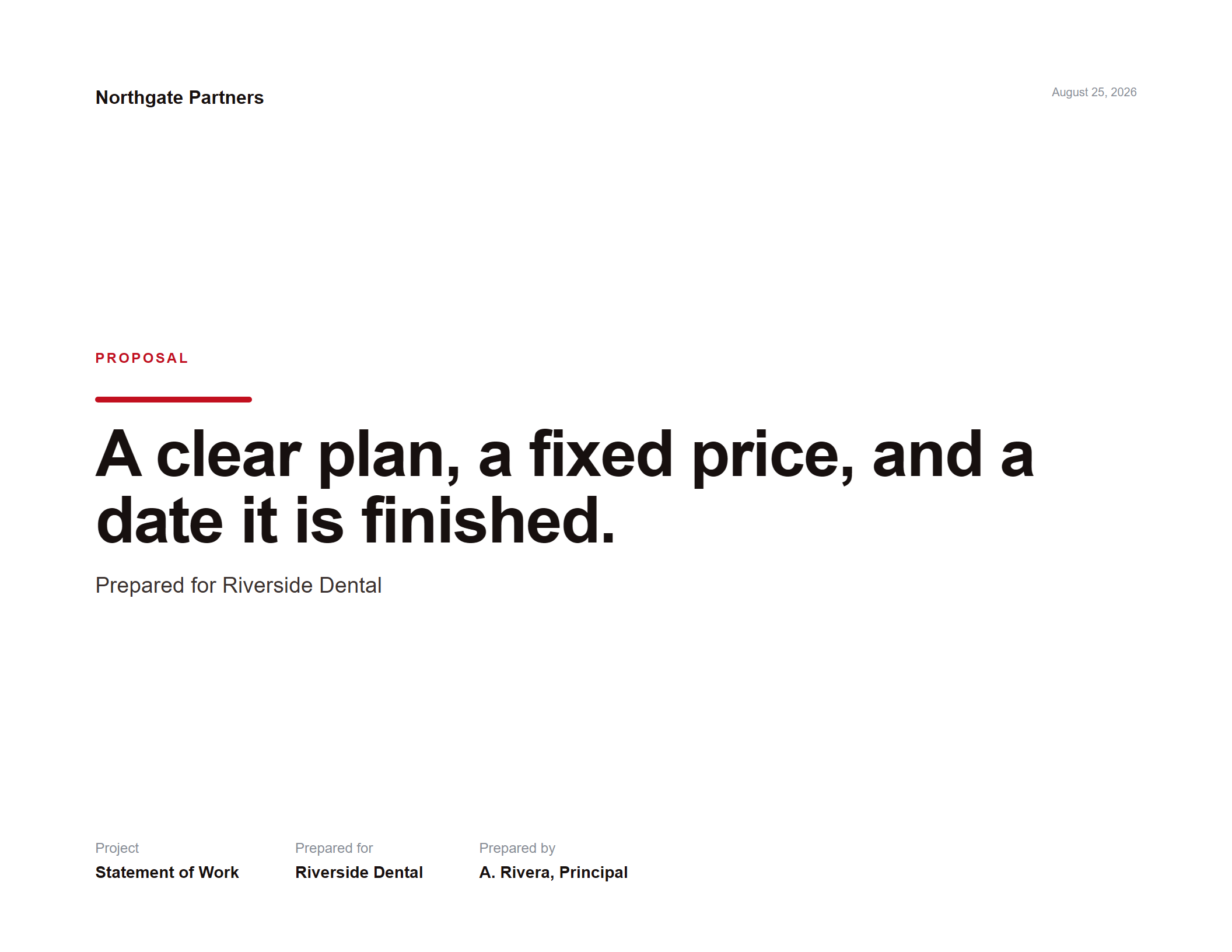
The difference
There is no licence check, no activation and no expiry. The file works the day you buy it and the same way in ten years.
The themes
Not three colourways. Each theme rebuilds the composition — its own grid, its own type scale, and three genuinely different ways of presenting price.
Considered · corporate
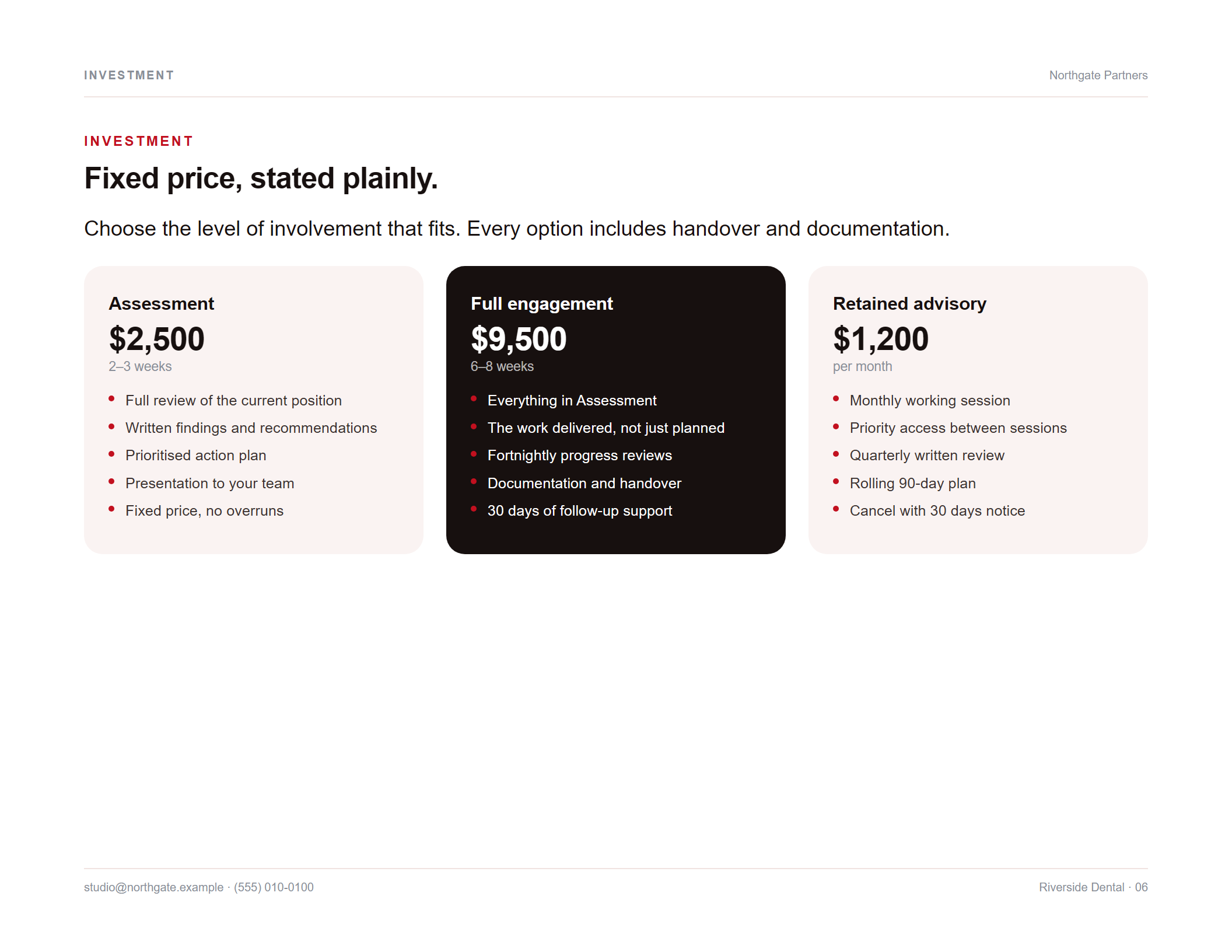
Warm and contained. Filled panels, soft corners, even three-up grids. Reads as a business document somebody thought about.
Price as three plan cards
Editorial · art-directed
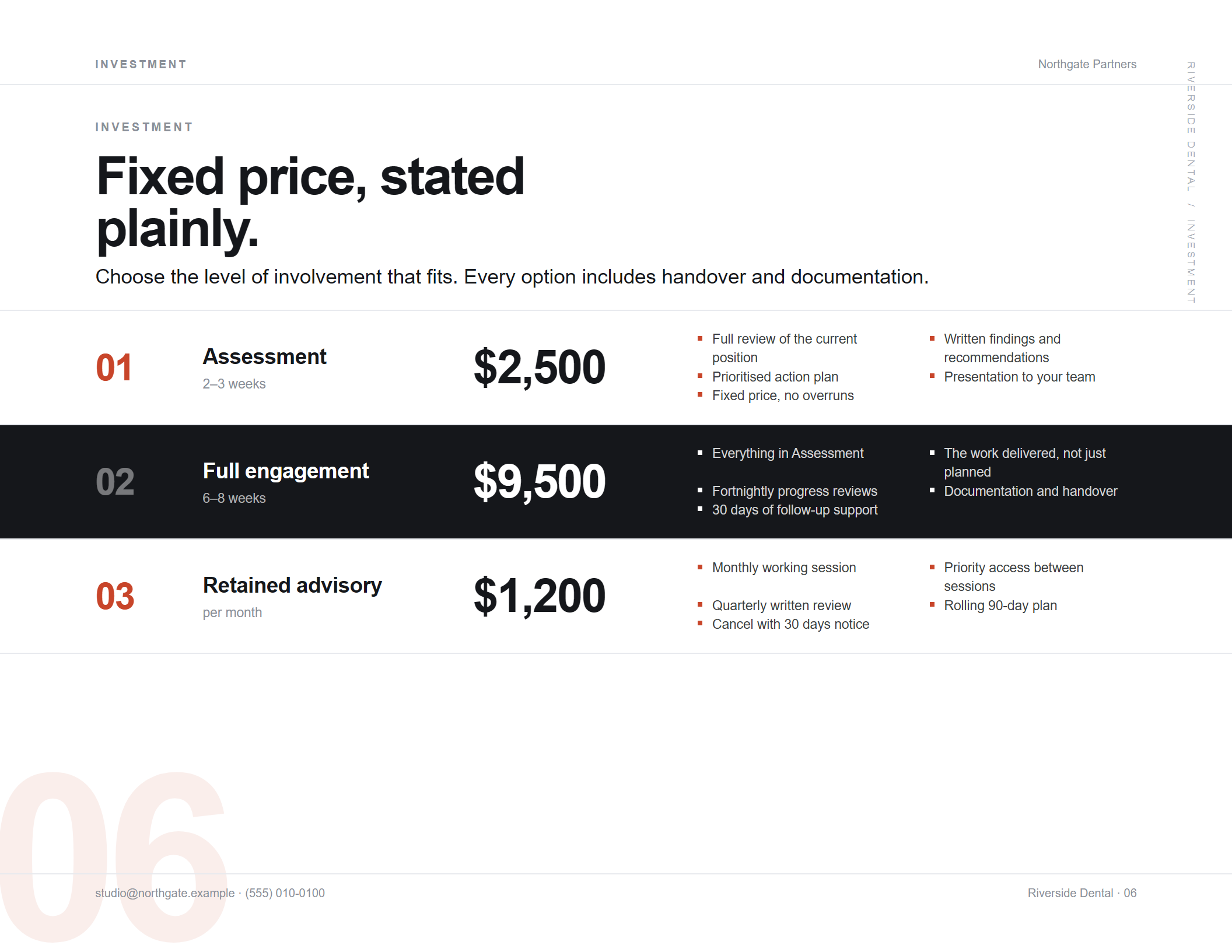
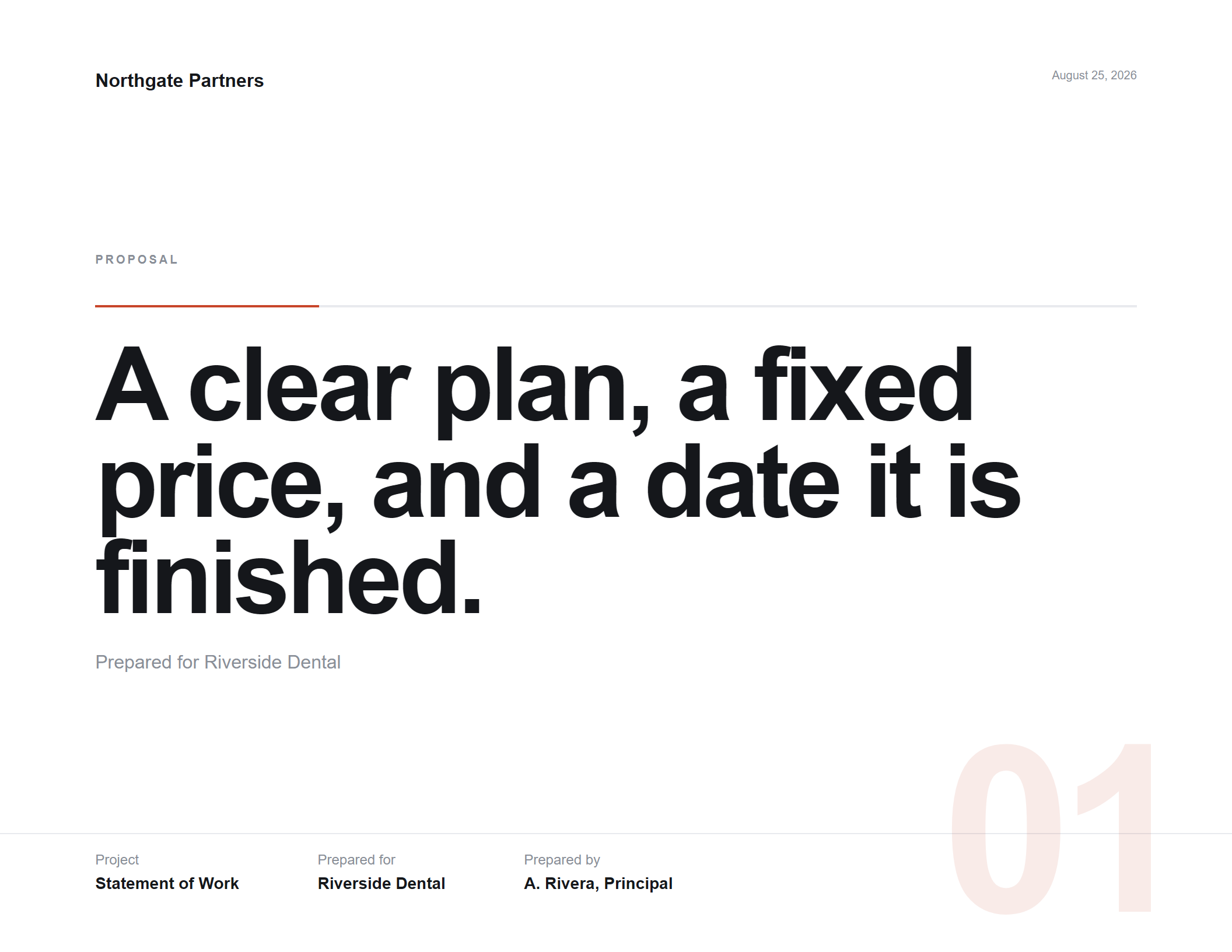
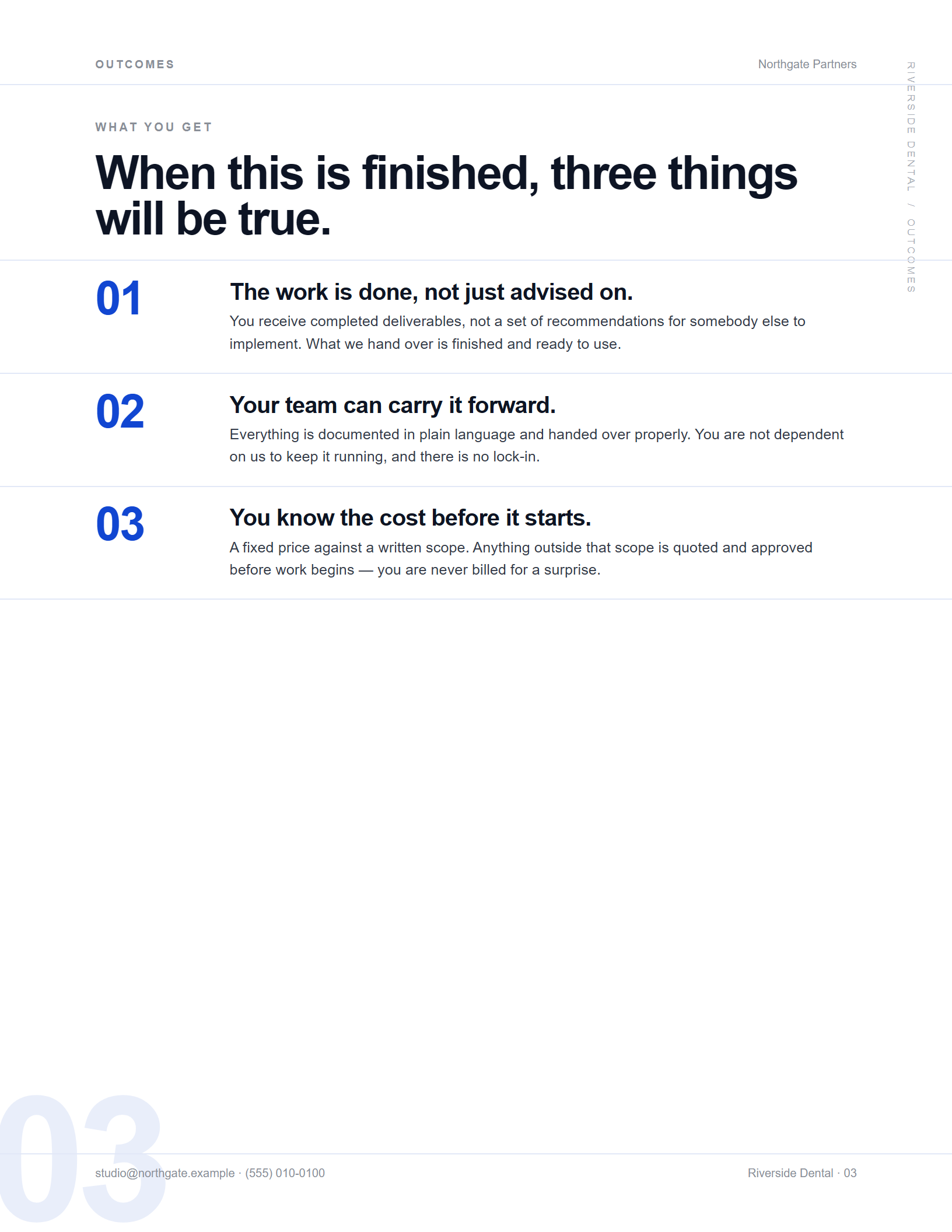
Hairlines running clean off the page edge, oversized sequence numerals cropped at the margin, violent scale contrast. No cards anywhere.
Price as a horizontal ladder
Classical · printed
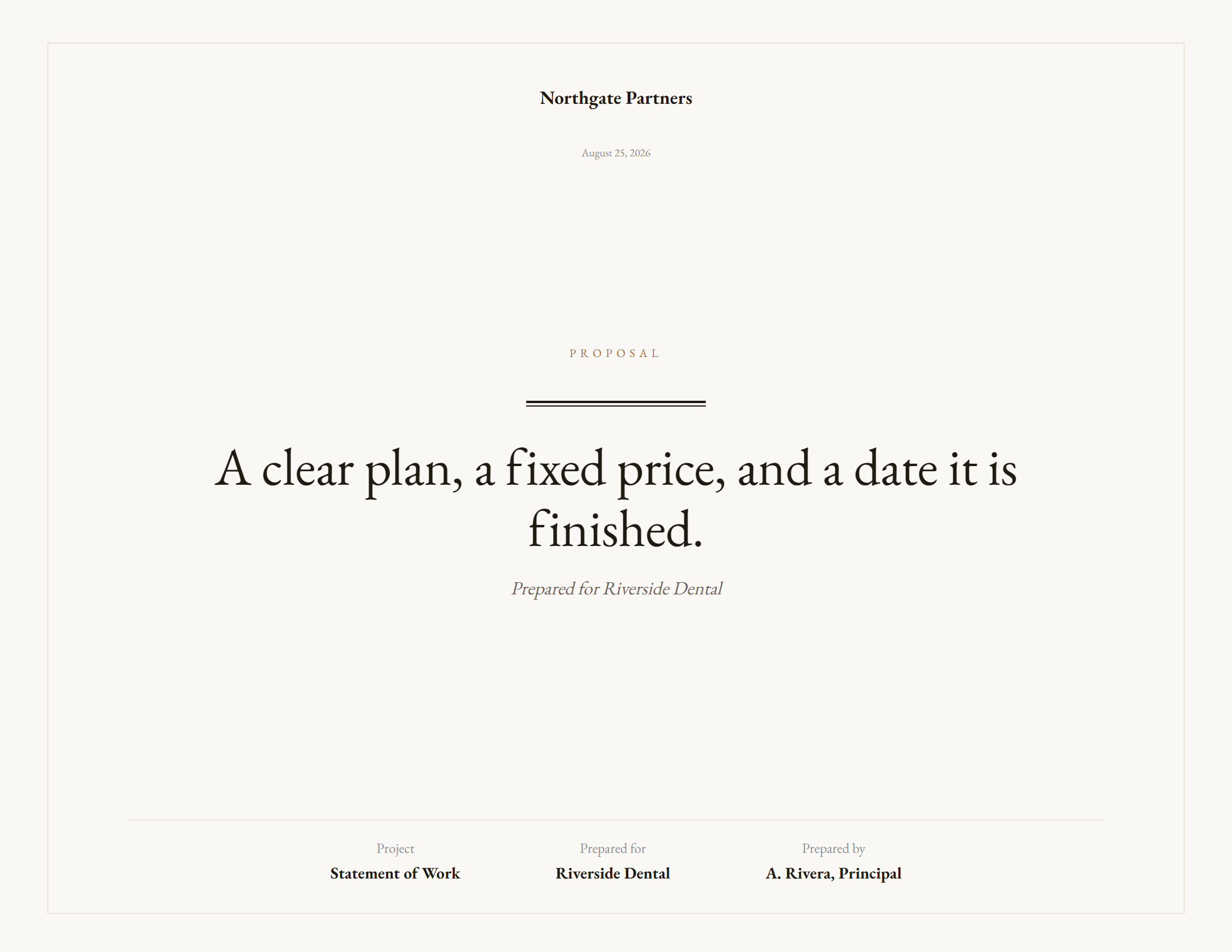
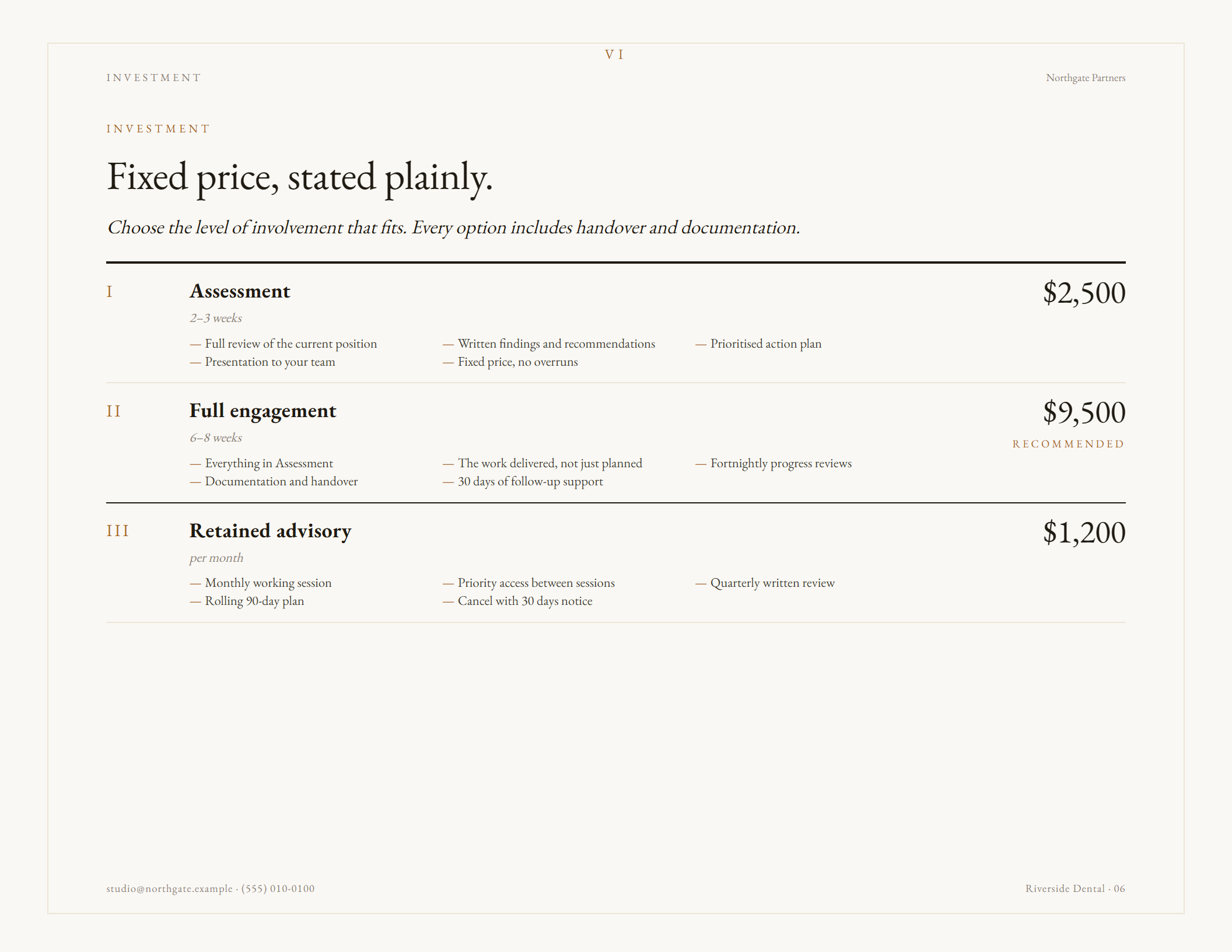
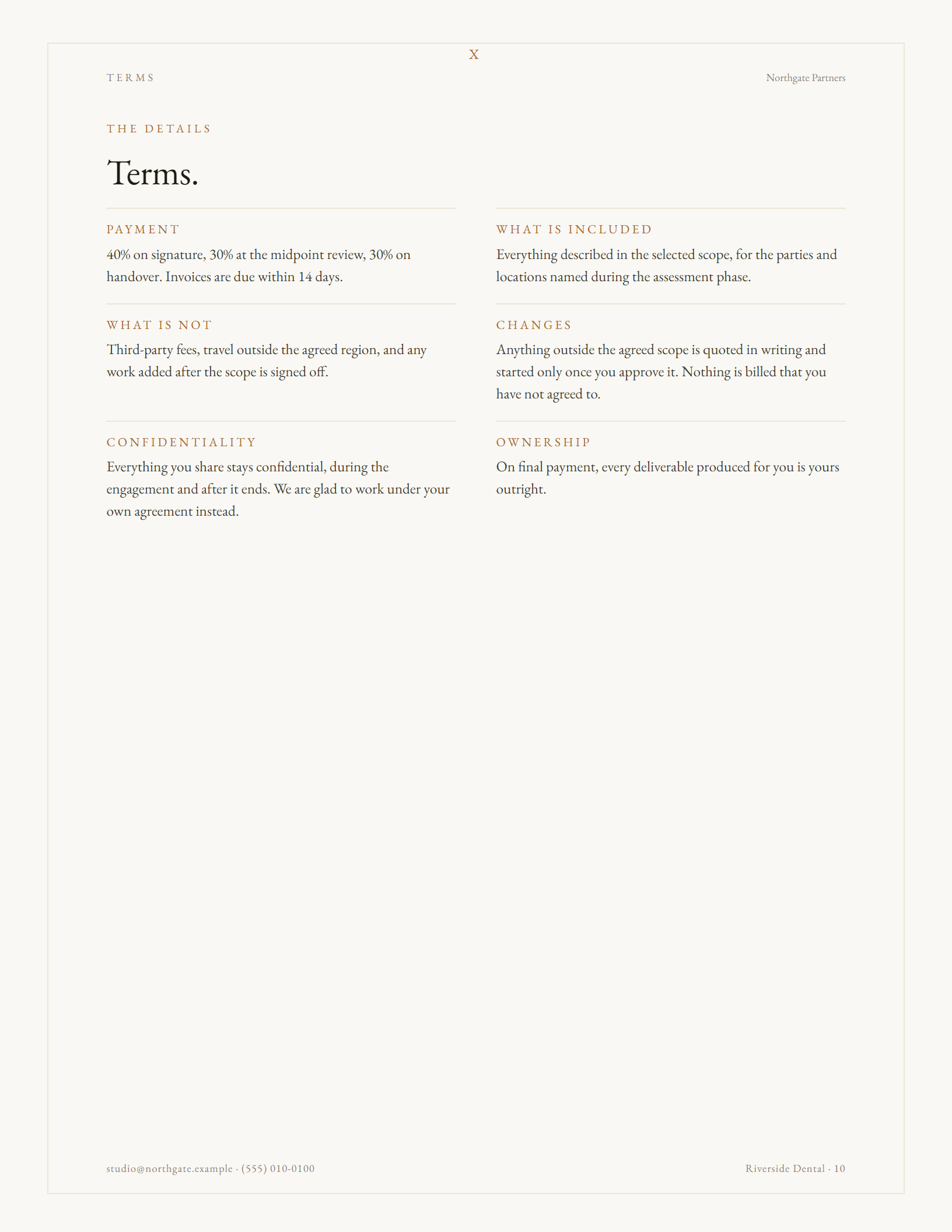
Warm paper, a hairline frame, centred title pages, small-caps labels and roman numerals. Built for law, finance, architecture and advisory work.
Price as a ruled schedule
Every sample below came out of the app you can try — no touch-ups, no hand editing.
How it works
One payment. The file downloads straight away — there's nothing to wait for and no account to set up.
Double-click. It opens in your browser like any page. No installer, no runtime, no admin rights.
Add your logo and details, choose a theme, then click any text on the page and type. Reorder or remove pages as you go.
Print to PDF from the browser. Fonts are embedded, so your client sees exactly what you designed.
Who it's for
Detail
Write too much and the page outlines in red and says so. It never silently clips your copy, which is how most templates quietly lose a paragraph.
22 open-licensed families ship inside the file. Browse 100+ more while online and the one you pick is stored permanently — your PDF can't fall back to Arial.
Upload a WOFF2, WOFF, TTF or OTF and the whole proposal sets in your brand face.
Change the accent colour and it reports the real ratio and whether it's safe for small text, so nothing ships unreadable.
Portrait isn't landscape rotated. Every multi-column layout in all three themes was re-cut by hand for the narrower measure.
Drag to reorder, switch any page off, add full-bleed colour spacer pages, and delete the plan, phase or clause you don't need.
Save a proposal as a project file and open it later. Your logo and chosen fonts travel inside it, so it opens the same on any machine.
Professional services and web design, each written as a complete proposal you can send after changing the names — or rewrite entirely.
Where your work lives
Because the application is a file rather than a service, there is no account holding your proposals and no server storing them.
Your proposals stay local. Text, logo, client details and prices are held in the file and your browser's own storage. They are never sent anywhere.
Two things do use the internet, and only if you choose. Browsing the extra Google Fonts fetches that font from Google. And there is an anonymous usage setting, switched off unless you turn it on, which reports only which theme, page shape, template and palette were used — never your text, your logo, your client's details or your IP address.
Everything else works with the connection off.
Price
No subscription, no seat count, no expiry. Use it on every proposal you write, for as long as you keep the file.
Questions
No. It's a one-time purchase. You pay once, download the file, and it's yours. There's no recurring charge and nothing to cancel.
No. The application has no login, no user record and no sign-up. You'll give an email address at checkout so the file can be sent to you, and that's all.
No. It's a single HTML file. Double-click it and your browser opens it.
Yes. Everything works with no connection. The only online feature is browsing the extra Google Fonts, and once you choose one it's stored inside your file.
Chrome, Edge, Firefox and Safari on Windows, macOS and Linux. Chrome and Edge give the most reliable PDF output.
As many as you like. Save each one as a project file and reopen it whenever you need to — there's no limit and no per-document charge.
Every headline, paragraph, plan, price and clause is click-to-edit. You can add and delete items, reorder or remove whole pages, and change theme, colour and typeface at any point.
You get a download link straight away and the file arrives by email as well. Save it somewhere you'll find it — that file is the product.
Yes, including new themes, at no extra cost. Updates arrive as a new file; your saved project files open in it.
Yes — upload a WOFF2, WOFF, TTF or OTF. One thing worth checking: a licence to use a font isn't always a licence to embed it in a document you send out.